1 September 2026 · 4 min read · By Agnes Veresoni
What a kiosk sign-in actually proves — and what it doesn't
A subbie taps a QR code at the site gate at 7am. Phone verified, licence checked, cleared to be on site — a real check, not a formality. Then the day happens the way days on a job actually happen: a run to the supplier, a smoke break that runs long, a second job across town squeezed in because the first one's ahead of schedule. Back at 2:55 for the sign-out scan.
Nothing on the sign-in sheet tells you that happened. Two green ticks, eight hours apart, look exactly the same whether someone was on site the whole time or for twenty minutes of it.
Most site tracking only ever checks the ends
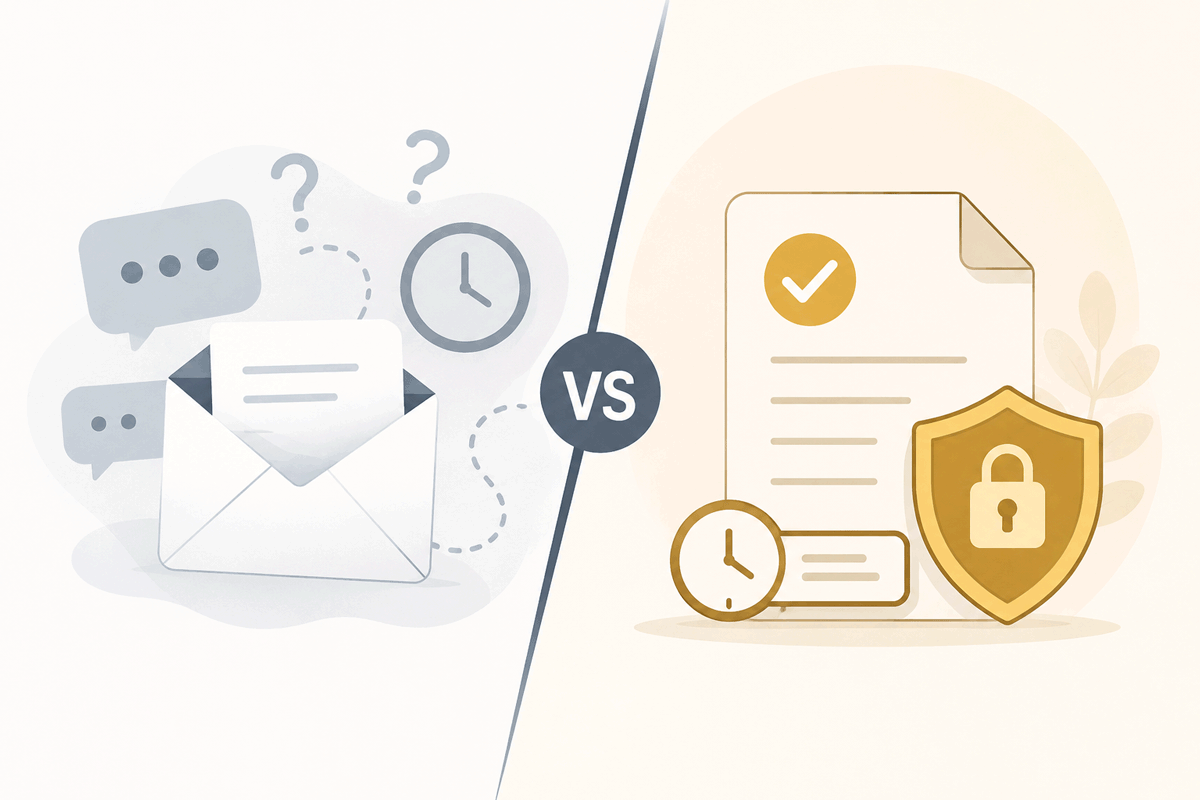
A sign-in scan is a real, useful check — it's just a check of one moment, not a claim about the shift. That's fine for what it's built to do: prove someone showed up and was cleared to be there. It was never designed to answer a different question — was this person actually on site while the clock was running — and most tools that do "location tracking" don't really change that. They add a location check to the same one-off scan, which tightens where the proof is captured, not how often.
For most projects, that's genuinely enough. The gap only starts to matter on the jobs where it doesn't: a client who wants real attendance evidence, a trade being paid for hours rather than a fixed price, or simply a Principal Contractor who's been burned once by a "they were on site all day" claim they had no way to check.
What continuous mode actually checks, and how often
Novato's Continuous geofencing mode doesn't add a second scan — it keeps the first one honest for the length of the shift. Once it's turned on for a project, a subbie's phone (through the free Novato Vault app, the same account that already holds their licences and insurance) confirms their location every time they move roughly 25 metres, for as long as their shift is open.
Two things have to both be true before any of that counts as "confirmed on site":
- A real, open kiosk shift. The phone being nearby means nothing if nobody's actually signed in — Continuous mode never invents a shift, it only ever confirms one that's already open.
- Inside the project's geofence, right now. Set from the project's own address, radius adjustable to fit the actual site boundary.
Fail either one and the Principal Contractor's dashboard doesn't just go quiet — it says why: how far away the last reading was, and how long ago it came through. "Not in range, 340m away, last seen 4 minutes ago" is a genuinely different fact than "no data at all since sign-in," and a site roster that can't tell those apart is really just a fancier version of the two-scan sheet.
It's not silent, either
The subbie sees exactly what the Principal Contractor sees — tracking is visibly running on their own phone the entire time their shift is open, not a background process they'd only discover by accident. They can end it themselves the moment their shift is done, no different from tapping "sign out" — it just also means nobody's ever left wondering whether the app's still quietly running on a phone that's gone home.
Check-in mode — a single location check at the moment of sign-in — is still there, still included, and still the right choice for most projects: fast, no ongoing app requirement, no ambiguity about what it's checking. Continuous is the deliberately bigger version for the jobs where "someone signed in this morning" isn't actually the question that needs answering.
Continuous mode is currently limited-availability while the Novato Vault app is still in controlled rollout — get in touch if you want it turned on for a project.
Agnes Veresoni
Agnes Veresoni writes about construction compliance and WHS for Novato.